1. How do I run a Shopify theme ID search on any store?
To find the theme ID of a Shopify store, you can use the URL in your admin dashboard or inspect the store’s live source code. For any public store, view page source (Ctrl+U) and search for “Shopify.theme” or “theme_store_id” to locate the numerical identifier.
2. How to tell what Shopify theme a store is using if the name was changed?
Even if someone renamed their theme in the admin (e.g., “Dawn - Summer 2026”), the underlying theme_store_id remains unchanged. Search the source code for theme_store_id rather than relying on the display name, then match that number against known theme ID lists.
3. Can I always search Shopify theme by ID in public databases?
Public databases cover approximately 80% of official and premium themes from the Shopify Theme Store. Custom themes and third-party marketplace themes may not have documented IDs, showing “null” or returning no matches.
4. How to know the theme of a Shopify store without using tools?
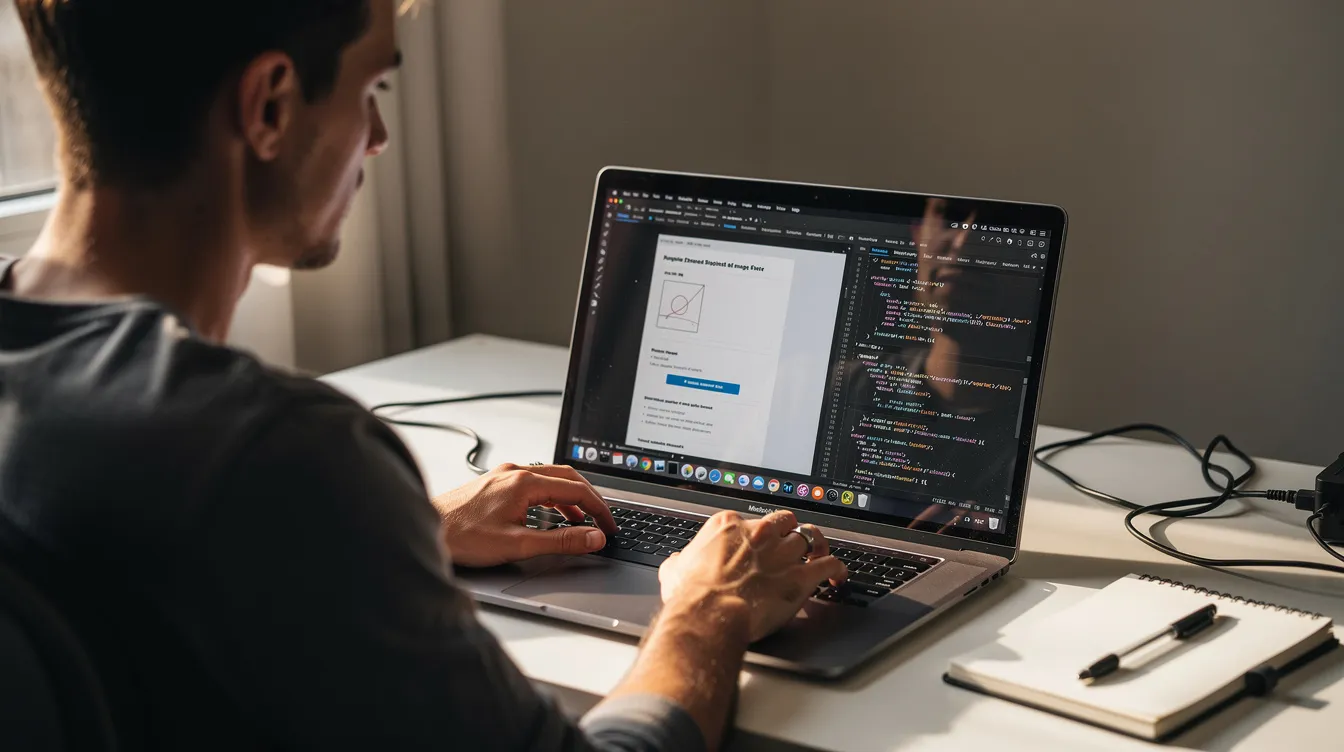
The manual page source method requires no tools at all. Right-click, view source, search for theme identifiers. This works in any modern browser and provides the same information that detector tools extract automatically.
5. What’s the difference between a Shopify template detector and a Shopify app theme detector?
A template detector focuses solely on identifying the theme. An app theme detector scans for both theme information and installed apps (review widgets, email tools, subscription services), giving you a fuller picture of the store’s technology stack.
6. Can tools like the fera.ai Shopify app detector see private store data?
No. These tools only analyze publicly visible elements—scripts, stylesheets, and HTML rendered to browsers. They cannot access admin settings, private customer data, or backend configurations.
7. Is copying another store’s theme allowed?
You can legally install the same theme from the theme store that another store uses. However, copying proprietary brand assets, custom code, images, or copyrighted content is not permitted. Purchase the base theme legitimately, then create your own customizations.
8. Why does detection sometimes show “Custom” when I know it’s a real theme?
Heavy modifications can obscure original theme signatures. If a developer removed identifying code, changed file structures significantly, or layered extensive custom code, detectors may not recognize the base template.