
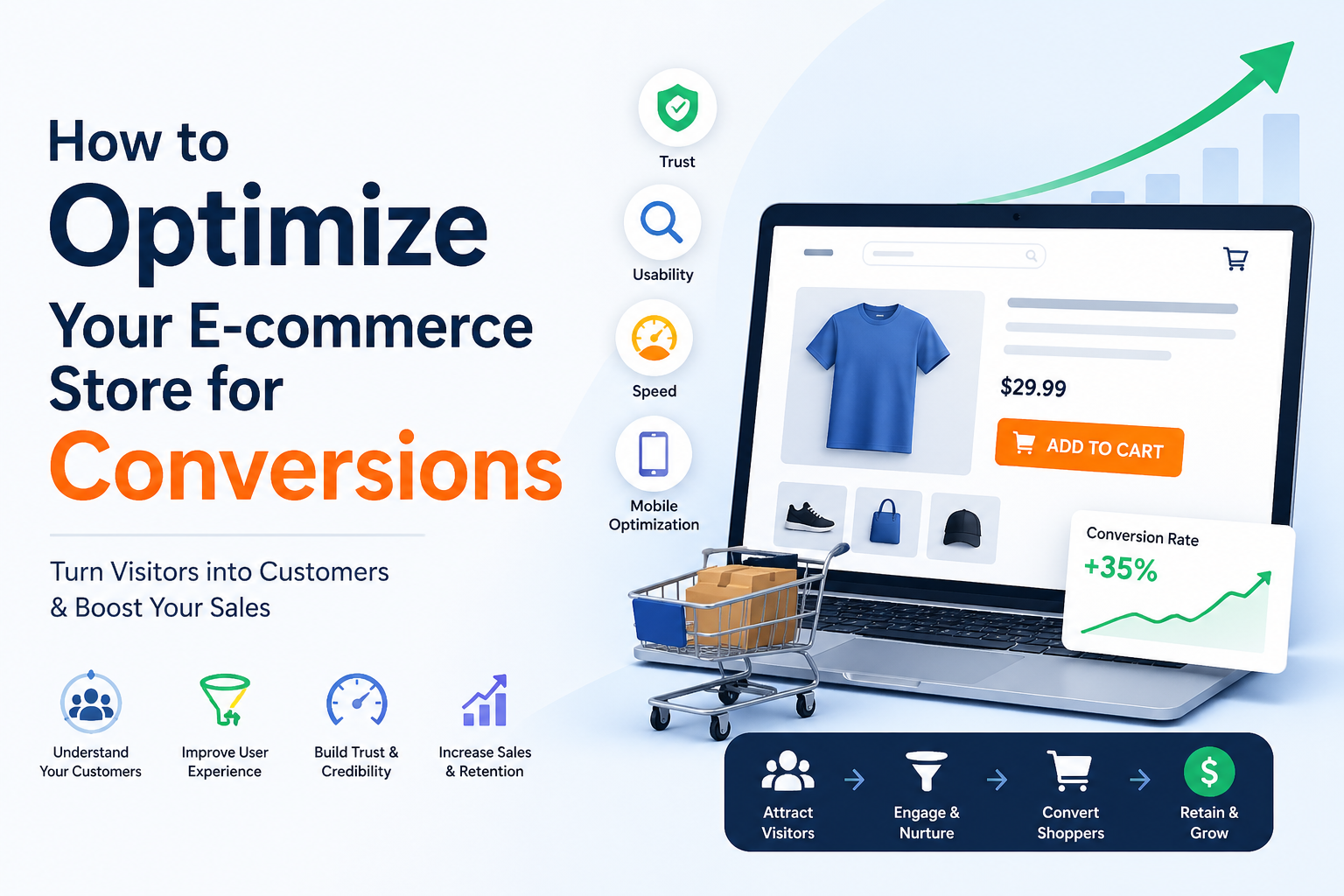
Turning visitors into regular paying customers isn’t about luck; it is about strategy. You can drive thousands of potential customers to your store every day by using content or running marketing campaigns. However, if they are leaving without making a purchase, then your efforts (time and budget) are being wasted.
Now, modern online shoppers are more demanding than ever. They expect perfect product information (title, description, and images), a seamless checkout process, a good-looking website, and much more.
For this reason, optimizing your e-commerce store to meet shoppers' needs is crucial. This detailed blog post is going to explain how exactly you can optimize the store for higher conversions.
Optimizing an E-commerce Store for Increased Conversions
Below, we have discussed a reliable process to optimize your e-commerce store for increased conversions.
1. Understand the Target Audience
Imagine this: how can you experience more conversions when you don’t even know who you are selling to?
That’s why it is really essential for e-commerce stores to first get a strong understanding of their target audience. You have to determine their specific needs, browsing behavior, pain points and challenges.
How to do so?
The most effective method is to build buyer personas on real customer data. For instance, if you are running a clothing store, then your potential buyers might include:
Students looking for affordable fashion items.
Working individuals seeking formal wear.
Besides this, you can also use analytics tools such as Google Analytics and review social media insights to get useful data about the audience.
2. Optimize Product Titles and Images
When it comes to online shopping, product titles and images are one of the most important elements that impact conversions. These decide whether the potential buyer will click your product or scroll away.
Therefore, it is essential to optimize properly. Let’s start with the title first.
A strong and engaging product title is:
- Relevant and focused on product value
- Clear and keyword-rich
- Descriptive
In special cases, you can even highlight features or use cases of the product to grab customers’ attention.
Let’s say you are selling a “Leather Jacket for Men.” Then a good product title would look like this:
“Men’s Leather Jacket – Sleek, Warm, and Lightweight”
For image optimization, use high-resolution product images. If possible, hire a dedicated photographer and editor. Try to take product photos from different angles, so that customers can better gauge the product quality.
Moreover, also compress the image using tools like the TinyPNG to ensure a quick loading speed.
3. Make Descriptions Clear and Concise
Product descriptions should quickly answer a key customer questions: “Why should I buy this product?” They need to clearly explain how the product benefits the buyer and what makes it worth purchasing.
That is why these are usually focused on highlighting the benefits and features of the product to ultimately win buyers’ trust. However, since our objective is to boost conversions, you should make descriptions clear and concise while also keeping them feature-focused.
Instead of writing long paragraphs filled with technical details, aim to explain product information clearly using minimum words. This is because potential customers usually don’t have enough time to read lengthy descriptions.
Below, we have listed a few things that will help you make descriptions clear and short.
Change jargon with simple words
Trim unnecessary details and wording
Use the shortest form of words and phrases
Manually optimizing all product descriptions of your e-commerce store will require both time and effort. However, you can also rely on an automated approach, which involves passing the descriptions through the AI Summarizer to quickly make them clear and concise without skipping any important point. The tool also allows presenting the output as bullet points, which work best for descriptions because they are easier to skim.
4. Simplify the Checkout Process
The complex checkout process is one of the biggest reasons why a brand is not experiencing conversions. No matter how interested a buyer is in your offered product, if the checkout process feels too complicated, there is a strong chance that they may abandon the cart.
For example, if a buyer has to go through this: Account creation >>> Shipping details >>> Payment >>> Confirmation, they may give up on the purchase. On the other hand, if the process requires only 2/3 steps (detail, payment, and confirmation), it will feel much easier.
So, to experience an increase in conversions, you have to work on simplifying this process by taking the following steps.
Do not require users to sign up before checkout
Offer multiple payment options such as PayPal, Apple Pay, and Google Pay
Ensure the payment options are one-click
Show progress like Step 1 of 3
Only ask for the necessary information in the purchasing form
Show all upfront costs early
By taking all these steps, e-commerce store owners can optimize and simplify the checkout process, ensuring maximum purchases.
5. Reduce Cart Abandonment
Cart abandonment is a very common issue in e-commerce, and it significantly impacts the overall conversion rate. It occurs when a buyer adds items to their cart but leaves before completing the checkout process.
Usually, there are several reasons behind cart abandonment.
Unexpected costs (taxes, shipping, etc.)
Security concerns
Slow delivery
Limited payment options
So, you should try to fix all these to ensure proper store optimization. Display the entire cost early on the product page. Clearly communicate secure payment practices and data protection measures.
Additionally, offer free or immediate shipping for orders above a certain amount. If not, then instead of mentioning estimated delivery, go with exact details such as “Will be delivered within 3 working days.”
Moreover, you can also consider sending reminders or alerts to the buyers about the incomplete order.
6. Work on Website Design
The overall design of your e-commerce store impacts the user experience. A poor experience will definitely reduce the chances of conversions, no matter how good and affordable your products are.
Let’s say you land on a store whose interface is cluttered with too many banners and complex menus. Will you proceed? You probably won’t!
So, it is essential to optimize your website’s overall design. To do so, you will have to take care of several things that we have listed below.
Aim for a clean and simple navigation
Use visuals that are consistent in terms of design and size
Use buttons of the same size and color
Prioritize mobile-first layout
Pay attention to loading speed
It is recommended to hire a professional who will help you properly optimize the store design for a seamless user experience. Besides this, you can also get the assistance of specialized online tools.
For instance, PageSpeed Insights will help you analyze the loading speed of your e-commerce site and its different pages. Whereas tools such as SE Ranking will allow you to test the store for mobile friendliness.
So, that’s the procedure of optimizing an e-commerce store to increase the overall conversion rate.
Final Thoughts
Generating maximum conversions is one of the primary objectives of every e-commerce store around the globe. It is also essential to note that no matter how good your products are, they alone cannot guarantee success if the overall store is not optimized according to needs and preferences. This includes well-written titles, descriptions, high-quality images, a seamless design, a simple checkout process, and much more.
In this detailed blog post, we have discussed the optimization procedure in complete detail. Hopefully, you will find the given information valuable and interesting!