
AI image quality has improved dramatically. The frustration of getting there, for many creators, has not improved at all.
You still deal with prompts that get interpreted differently every time. You still export from one tool, open another, and then discover the output you needed was buried in a batch of six variations you did not ask for. And if you have spent any time with Discord-based image tools, you already know about the complexity, the high monthly fees, and the prompt filters that seem designed to make things harder.
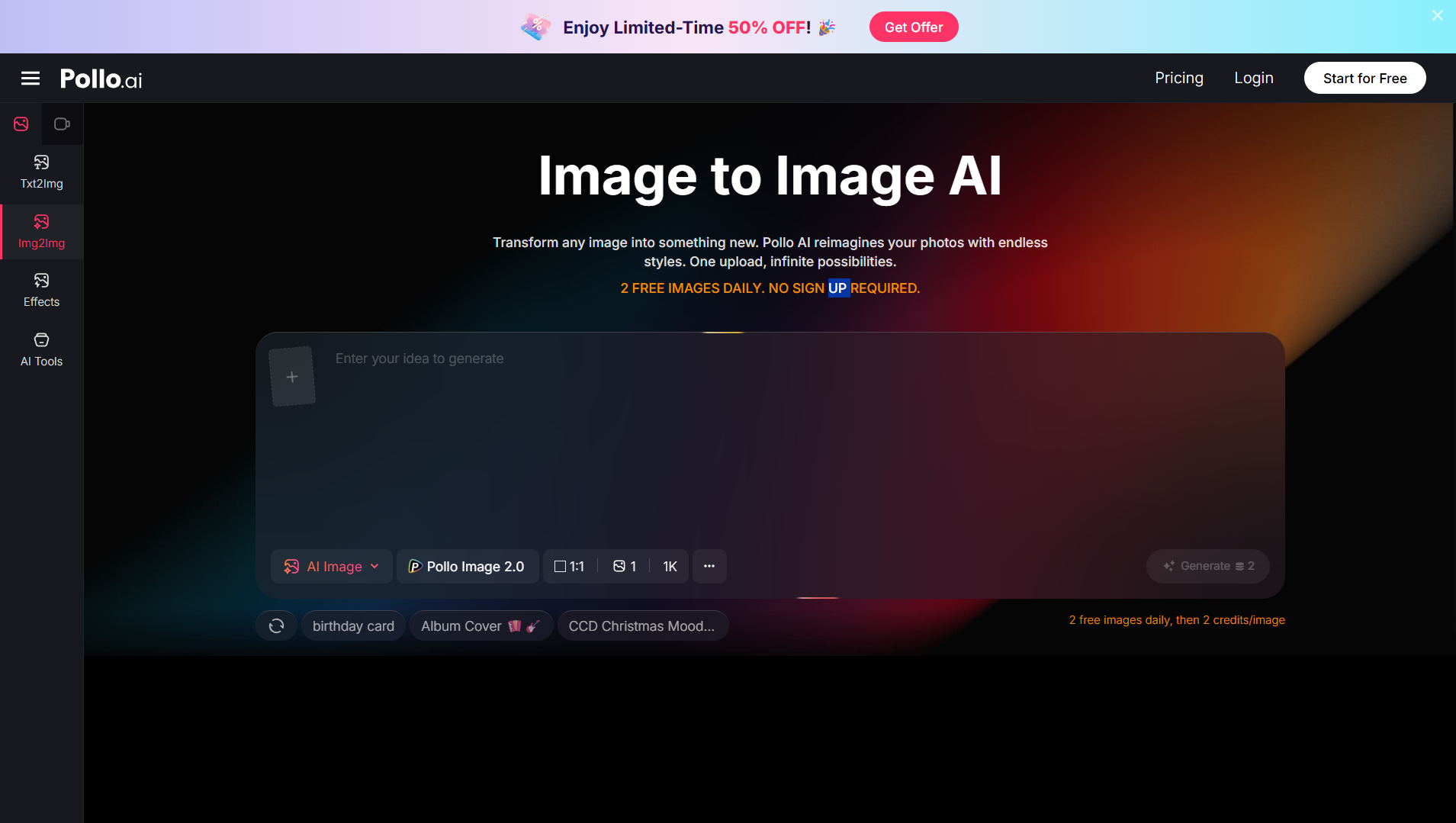
If your main goal is more control over revisions without starting from scratch each time, tools like Pollo AI are built around an image to image AI that can often be more practical than blank-prompt generation — and it is one of five approaches worth building into how you work. Here is the full picture.
Way #1 — Start From a Reference Instead of a Blank Prompt
The fastest way to reduce randomness in AI image generation is to give the model something to work from. A blank text prompt asks the model to make hundreds of small decisions on your behalf. A reference image shifts that responsibility back to you — the model adapts what exists rather than constructing something new.
This approach tends to work best for:
- Ecommerce sellers who need product visual variations without reshooting
- Marketers adapting existing campaign visuals for different formats or platforms
- Creators who need to maintain visual consistency across multiple pieces of content
Why this reduces frustration: You get more consistent output because the model has less to guess about. The composition, the subject, and the overall feel are already established. You are directing refinement, not hoping for inspiration.
Research in the AI image space consistently frames this as an "instruction-following" workflow rather than an aesthetic exploration — and that distinction matters enormously for anyone who needs usable assets, not just interesting ones.
Way #2 — Separate Exploration From Production
Most creators do not treat these as different phases, and that is where a lot of time gets lost.
Exploration is when you are testing ideas: trying out visual styles, experimenting with moods, figuring out whether a concept even works visually. The goal here is speed and variety — you want many options quickly, and quality is secondary.
Production is when you are trying to create a final, usable asset. The goal here is reliability and control — you need the output to meet a specific standard, consistently.
A practical two-stage approach:
- Use a fast, generative tool to explore styles and concepts broadly — do not try to perfect anything here.
- Take the best concept into a more controlled editing workflow to refine it into something publishable.
Many creators still export and retouch in a design tool at the end — that is not a failure of the workflow, it is a realistic part of it. Build that expectation in from the start and you will stop feeling frustrated when it happens.
Way #3 — Choose Tools Based on the Specific Failure You Need to Fix
Not every problem needs the same platform. One of the most common workflow mistakes is picking a tool based on its overall reputation rather than its specific strengths.
If realism and anatomy matter most: Look for tools that are explicitly positioned for photorealism. Some platforms handle human rendering far better than others — fewer anatomical errors, more reliable hand and facial geometry. If you are making content featuring people, this matters a lot.
If licensing and commercial use matter: Prioritize platforms with clear, documented commercial-use terms. Adobe Firefly, for example, has built its positioning around being "corporate-approved" — trained on licensed material with explicit rights clarity. If you are creating assets for clients or selling work commercially, the legal side of your tool choice is not optional.
If speed and fewer steps matter most: Look for integrated workflows — platforms where you can generate, adjust, and export without moving between multiple apps. As one creator described the old way: generating in one tool, downloading, uploading to a design tool, then designing around the image — versus just doing it all in one place. The time difference is real, and so is the mental load.
Way #4 — Reduce Tool Switching Wherever Possible
Every additional tool in a workflow is a potential point of friction. You export. You upload. You reformat. You re-prompt to match what the last tool produced. None of this is creative work — it is administrative overhead dressed up as a process.
Signs your workflow is too fragmented:
- You generate in one place and always have to download before you can do anything useful with it
- You rely on a second tool to fix what the first tool got wrong
- You cannot easily compare two variations side by side without opening multiple windows or apps
- Every project feels like it takes twice as long as it should
What a lower-friction workflow looks like:
- Fewer exports between stages
- Easier comparison of variations within the same interface
- The ability to make one targeted change without re-generating the entire image
This is not about finding a single tool that does everything — it is about reducing the number of handoffs that slow you down and interrupt your thinking.
Way #5 — Keep a Mobile Option for Fast Iteration
Not every creative decision happens at a desk. Some of the most useful image iterations happen when you are traveling, between meetings, or checking a concept before committing to a full desktop session.
Mobile matters for:
- Quick concept testing — checking whether a visual direction is worth pursuing before investing more time
- Social content on the go — creating or adjusting visuals for posts that need to go up quickly
- Lightweight reviews — comparing two versions of an image without needing to sit at a desktop setup
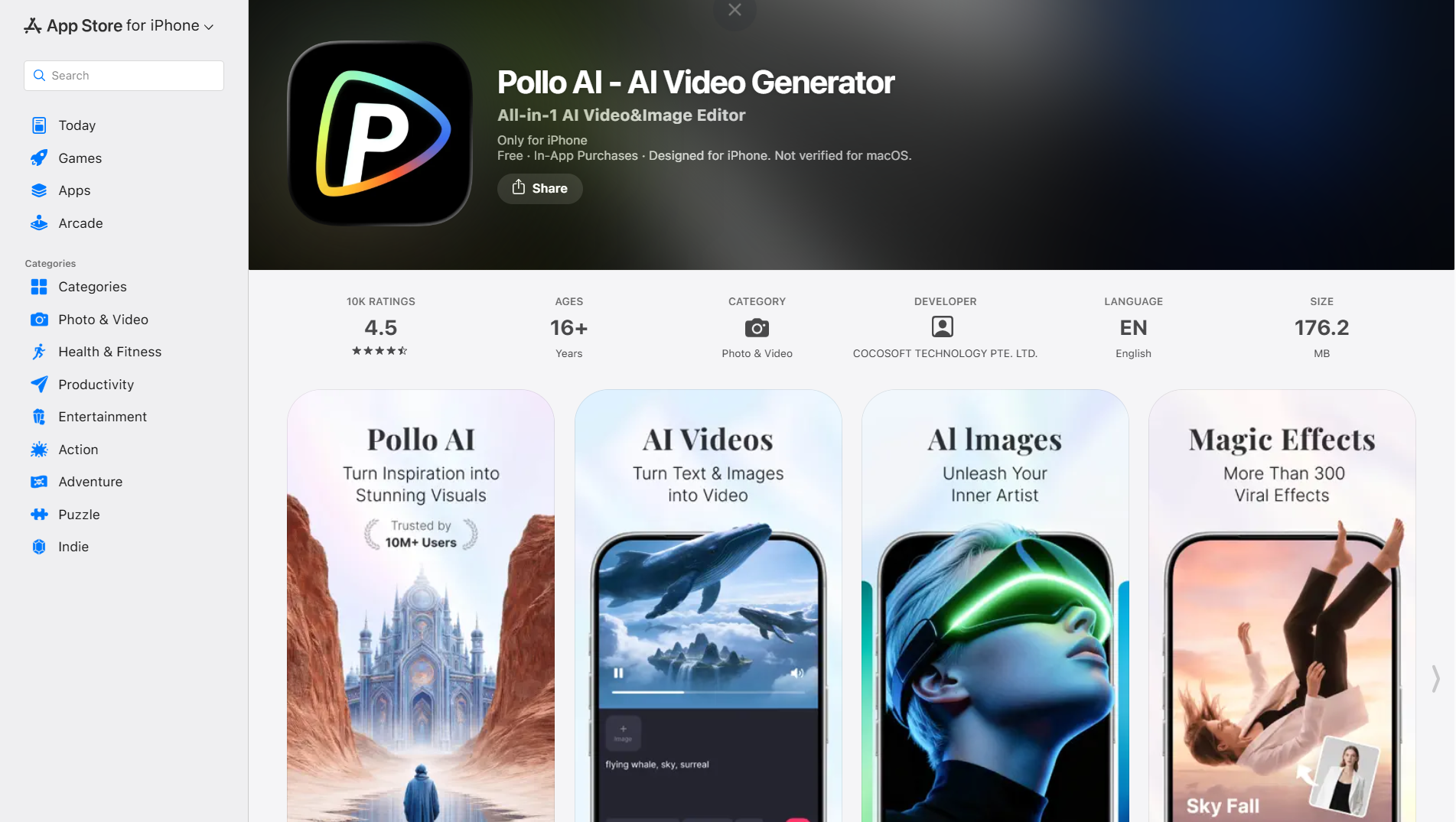
For creators who want a phone-based option that covers both image and video workflows, the Pollo AI app is worth keeping as part of that mobile toolkit. The practical value is convenience: being able to act on a creative idea in the moment, without waiting until you are back at your computer.
The goal is not to do your best work on a phone — it is to not lose good ideas while you are away from your desk.
What to Prioritize When Comparing Any AI Image Workflow
Before you commit to a new tool or rebuild your stack, run it through this checklist:
- Ease of iteration — can I make a change and see the result quickly?
- Realism where needed — does it handle human subjects and real-world objects convincingly?
- Commercial clarity — do I understand what I can and cannot do with the output?
- Mobile or desktop fit — does it work where I actually create?
- Total number of steps — how many exports, uploads, and re-prompts does one usable image require?
Judge tools by how easily they get you to a usable result — not by the impressiveness of their best-case demo output.